
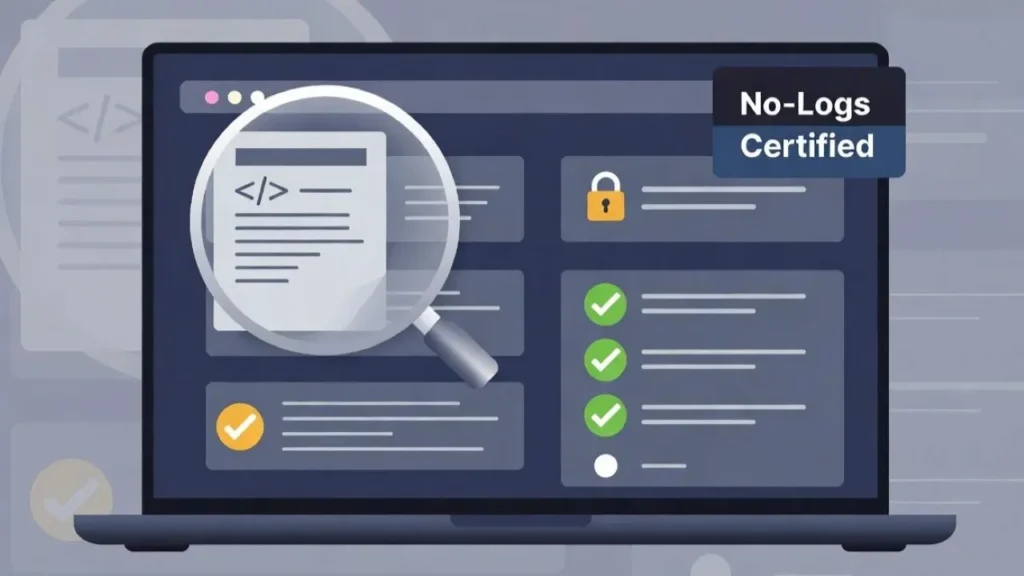
A VPN can make your internet connection feel more private, but privacy depends on more than simply turning the VPN on. One important feature many users overlook is the kill switch.
A VPN kill switch is designed to protect your real IP address if your VPN connection suddenly drops. Instead of letting your device reconnect through your normal internet connection, the kill switch blocks traffic until the VPN is secure again.
That may sound technical, but the idea is simple.
If your VPN disconnects without warning, your real IP address could become visible. A kill switch helps prevent that from happening.
This is why running a VPN kill switch test is useful. It shows whether your VPN is actually protecting you during an unexpected connection drop. You do not need advanced technical skills to do this. You only need a few simple checks and a little patience.
In this guide, we will explain what a VPN kill switch does, why it matters, and how to test it safely.
What Is a VPN Kill Switch?
A VPN kill switch is a safety feature that stops your internet traffic if the VPN connection fails.
Normally, when you use a VPN, your internet traffic travels through the VPN server. Websites, apps, and online services see the VPN server’s IP address instead of your real one.
But if the VPN drops, your device may automatically switch back to your regular internet connection. When that happens, your real IP address can be exposed.
A kill switch prevents this by cutting off internet access until the VPN reconnects.
Think of it like a safety lock. If the secure tunnel breaks, the kill switch closes the door before anything leaks out.
This feature is especially useful for people who care about privacy, gamers who want to hide their IP address, remote workers using public Wi-Fi, or anyone who does not want their real connection details exposed.
Why a VPN Kill Switch Test Matters
Many VPN apps say they include a kill switch, but not every kill switch works the same way.
Some protect your whole device. Others only protect specific apps. Some work well on desktop but behave differently on mobile. Others may need to be turned on manually in the settings.
That is why a VPN kill switch test matters.
It helps you answer one simple question:
Does your VPN really block internet traffic when the VPN disconnects?
Without testing, you are trusting the feature blindly. With testing, you can see whether it actually works on your device.
This is especially important if you use a VPN for gaming, streaming, torrenting, work, or privacy-sensitive browsing. A short connection drop may only last a few seconds, but that can be enough to expose your real IP address.
Testing gives you more confidence.
How a VPN Connection Can Drop
VPN connections can drop for many reasons. Sometimes it has nothing to do with the VPN provider itself.
Your Wi-Fi may become unstable. Your router may restart. Your internet provider may interrupt the connection for a moment. Your laptop may switch networks. Your device may wake from sleep mode and reconnect incorrectly.
In gaming, connection changes can happen during long sessions. A VPN server may become overloaded, or your device may briefly lose signal.
Even a strong VPN connection is not perfect all the time.
That is exactly why the kill switch exists. It is not there because VPNs are bad. It is there because internet connections are not always stable.
A good VPN should expect small failures and protect you when they happen.
Before You Run a VPN Kill Switch Test
Before testing your VPN kill switch, make sure the feature is enabled.
Open your VPN app and go to the settings area. Look for terms such as:
- Kill Switch
- Network Lock
- Internet Kill Switch
- Advanced Protection
- Connection Protection
Some VPN apps turn this feature on by default. Others leave it off until you activate it manually.
You should also close any sensitive apps before testing. The goal is not to create risk. The goal is to check whether your VPN behaves correctly.
If you are using your VPN for gaming, it is better to test before entering a real match. Do not test during ranked games, live streams, or important work sessions.
Use a calm moment when you can disconnect and reconnect safely.
How to Run a Simple VPN Kill Switch Test
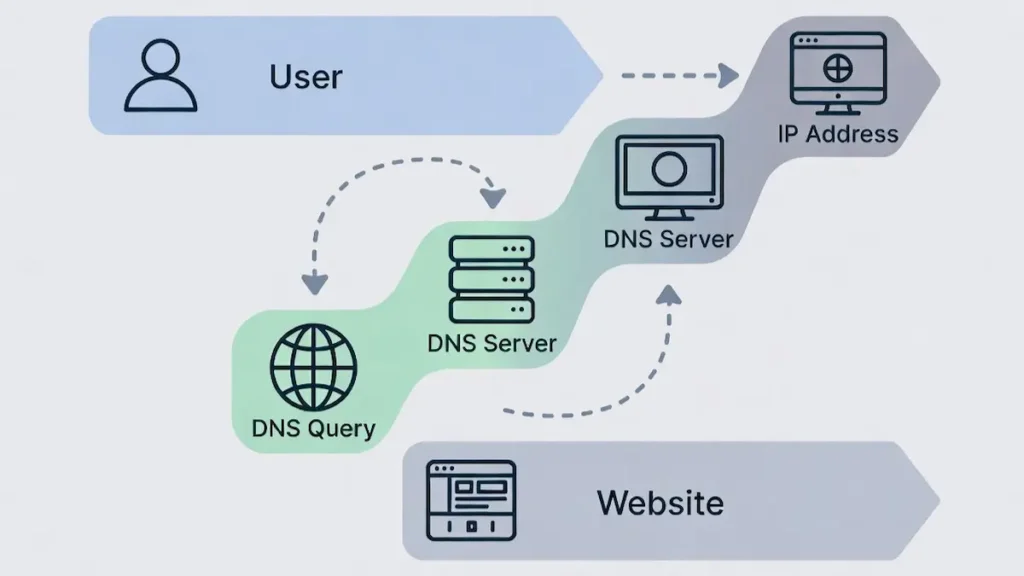
The easiest way to run a VPN kill switch test is to check what happens when your VPN connection drops.
Start by connecting to your VPN. Then open a browser and search for “what is my IP address.” You should see the VPN server’s IP address, not your real one.
Keep that page open.
Now disconnect the VPN manually from the app.
If the kill switch is working, your internet connection should stop immediately. The page should fail to load, or your browser should show that there is no connection.
If the page refreshes and shows your normal IP address, then your kill switch may not be working properly.
After the test, reconnect the VPN and refresh the IP check page again. You should see the VPN IP address return.
This simple test gives you a basic idea of whether your VPN blocks traffic when the tunnel disconnects.
A More Careful Way to Test Your VPN Kill Switch
The manual disconnect test is useful, but it is not perfect. Some VPN apps behave differently when you disconnect intentionally compared with when the connection drops unexpectedly.
A more careful test is to interrupt the connection while the VPN is active.
For example, you can connect to your VPN, open an IP check page, and then briefly turn off Wi-Fi. After a few seconds, turn Wi-Fi back on and watch what happens.
If your VPN reconnects before internet traffic resumes, that is a good sign.
If your normal connection returns before the VPN is active, your real IP address may be exposed during the gap.
You can also test by switching networks, such as moving from Wi-Fi to mobile hotspot. This can show whether the kill switch handles connection changes properly.
Do this slowly and carefully. The goal is not to break anything. The goal is to observe how your VPN behaves when the network changes.
What a Successful VPN Kill Switch Test Looks Like
A successful VPN kill switch test is simple.
When the VPN connection drops, your internet should stop working until the VPN reconnects.
You should not see your real IP address appear on an IP check website.
You should not be able to browse normally through your regular connection.
Once the VPN reconnects, your internet should work again through the VPN server.
That is the behavior you want.
The best result is not speed during the drop. The best result is protection during the drop.
A kill switch may feel inconvenient for a few seconds, but that is the point. It is better to lose connection briefly than to expose your real IP address.
What If Your VPN Kill Switch Fails?
If your VPN kill switch fails, do not panic. First, check whether the feature is actually turned on. Many users assume it is enabled when it is not.
Next, update your VPN app. Older versions may have bugs or weaker protection.
Then restart your device and test again. Sometimes network settings do not apply correctly until the system restarts.
You can also try a different VPN protocol inside the app. Some protocols may work better with the kill switch than others, depending on your device.
If the kill switch still fails, contact the VPN provider’s support team or consider using another VPN that offers stronger leak protection.
A VPN without a reliable kill switch may still hide your IP during normal use. But it may not protect you well during connection drops.
For privacy-focused users, that is a serious weakness.
VPN Kill Switch Test for Gamers
Gamers often care about speed first, but privacy matters too.
If you use a VPN while gaming, a kill switch can help protect your real IP address if the VPN disconnects during a session. This can be useful in competitive games, public lobbies, or situations where you want to reduce IP exposure.
However, gamers should test carefully.
A kill switch can disconnect you from the game if the VPN drops. That may be annoying, especially during ranked matches. But from a privacy point of view, that is exactly what the kill switch is supposed to do.
Before using a VPN in serious gameplay, run a test outside the game. Check your ping, connection stability, and kill switch behavior.
The best gaming VPN setup is one that gives you a stable connection and protects your IP without causing constant interruptions.
If the VPN drops often, the problem may not be the kill switch. The problem may be the server, protocol, or VPN quality.
Device-Level Kill Switch vs App-Level Kill Switch
Not all kill switches protect the same way.
A device-level kill switch blocks all internet traffic on your device if the VPN disconnects. This is usually the stronger option because it protects every app, browser, launcher, and background connection.
An app-level kill switch only blocks selected apps. For example, you may choose to block your browser or gaming launcher if the VPN drops.
Both can be useful, but they serve different needs.
For privacy, a device-level kill switch is usually better. It reduces the chance that another app leaks your real IP in the background.
For convenience, an app-level kill switch gives more control. You can decide which apps stop and which continue working.
When running a VPN kill switch test, it is important to know which type your VPN uses. Otherwise, you may think it failed when it was only protecting selected apps.
Common VPN Kill Switch Mistakes
One common mistake is assuming the kill switch is active by default. Always check the settings.
Another mistake is testing only once. VPN behavior can change after app updates, operating system updates, or network changes. It is smart to test again from time to time.
Some users also confuse a kill switch with DNS leak protection. They are related to privacy, but they are not the same thing. A kill switch blocks traffic if the VPN drops. DNS leak protection helps prevent your DNS requests from going outside the VPN tunnel.
Another mistake is using a free or weak VPN and expecting strong protection. Some free VPNs offer limited features, unstable servers, or unclear privacy settings.
If privacy matters, the kill switch should not be treated as a bonus. It should be part of the basic safety check.
How Often Should You Test Your VPN Kill Switch?
You do not need to test your kill switch every day.
But you should test it when:
- you install a new VPN
- you update the VPN app
- you change VPN settings
- you switch devices
- you start using VPN for gaming
- you notice random disconnections
- your operating system updates
A quick test only takes a few minutes. It can save you from assuming you are protected when you are not.
For most users, testing once after setup and again after major updates is enough.
For users who rely heavily on privacy, testing more often makes sense.
FAQ: VPN Kill Switch Test
What is a VPN kill switch test?
A VPN kill switch test checks whether your VPN blocks internet traffic when the VPN connection drops. The goal is to see if your real IP address stays protected.
Do all VPNs have a kill switch?
No. Some VPNs include a kill switch, some offer it only on certain devices, and others may not include it at all. Always check your VPN settings.
Is a VPN kill switch important for gaming?
Yes, it can be useful for gamers who want to hide their real IP address. If the VPN disconnects, the kill switch helps prevent your normal connection from being exposed.
Can a kill switch reduce ping?
No. A kill switch is not designed to reduce ping. It is a privacy feature. Its purpose is to block traffic if the VPN connection fails.
Why did my internet stop working after turning on the kill switch?
That usually means the kill switch is doing its job. If the VPN is not connected, the kill switch may block internet access until the VPN reconnects.
Should I leave the VPN kill switch on all the time?
If privacy is important to you, yes. Leaving it on gives you better protection in case the VPN disconnects unexpectedly.
Conclusion
A VPN kill switch is one of the most important privacy features inside a VPN app. It protects your real IP address if your VPN connection suddenly drops.
Running a VPN kill switch test helps you confirm whether that protection actually works. It is a simple check, but it can reveal a lot about your VPN’s reliability.
A good kill switch should block internet traffic immediately when the VPN disconnects. Your real IP address should not appear, and your connection should only return when the VPN is secure again.
For gamers, streamers, remote workers, and privacy-focused users, this feature matters. A VPN is not just about being connected. It is about staying protected when the connection fails.
Before trusting any VPN completely, take a few minutes to test its kill switch. It is a small step, but it gives you more control over your privacy online.